Why it exists
An automated render is useful, but a finishing editor needs an actual timeline: scenes, narration, music, sound effects, and meaningful markers.
Portfolio / CASE STUDY
Public integration utility
Turns generated video projects into editable Final Cut Pro timelines using Apple’s FCPXML format.
Interchange format and editorial handoff
An automated render is useful, but a finishing editor needs an actual timeline: scenes, narration, music, sound effects, and meaningful markers.
The bridge reads a source project’s media and timing, creates a Final Cut project assembly, and assigns editorial roles and narration markers. Reusable library templates cover horizontal and vertical workflows.
FCPXML references the generated media without editing Final Cut’s library database or modifying the source pipeline.
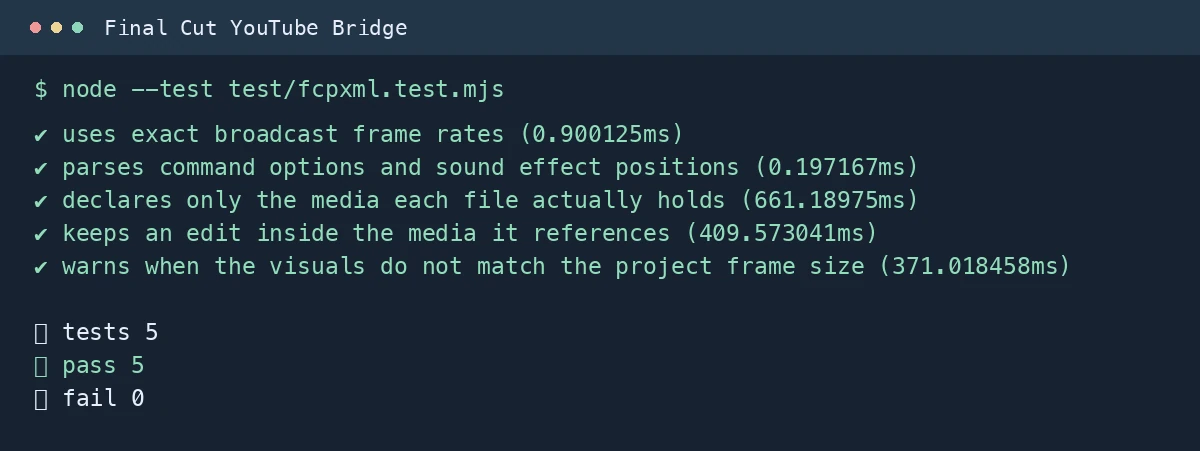
The documented export checks against the FCPXML DTD supplied by the installed Final Cut version. Validation failure exits unsuccessfully rather than presenting a broken assembly as complete.
The bridge prepares the editable project. Final channel choice, editorial adjustments, and upload remain deliberate actions in the editing workflow.
An assembly and interchange tool. It does not automate every Final Cut inspector setting, third-party plugin, or YouTube publishing field.